One complete look
Combine tops, bottoms and shoes. Change individual items to explore silhouettes and colours.
FITCHECK · AI TRY-ON & STYLIST ADVICE
Your photo. The pieces you like. Preview them together in one look before deciding what to wear.
How it works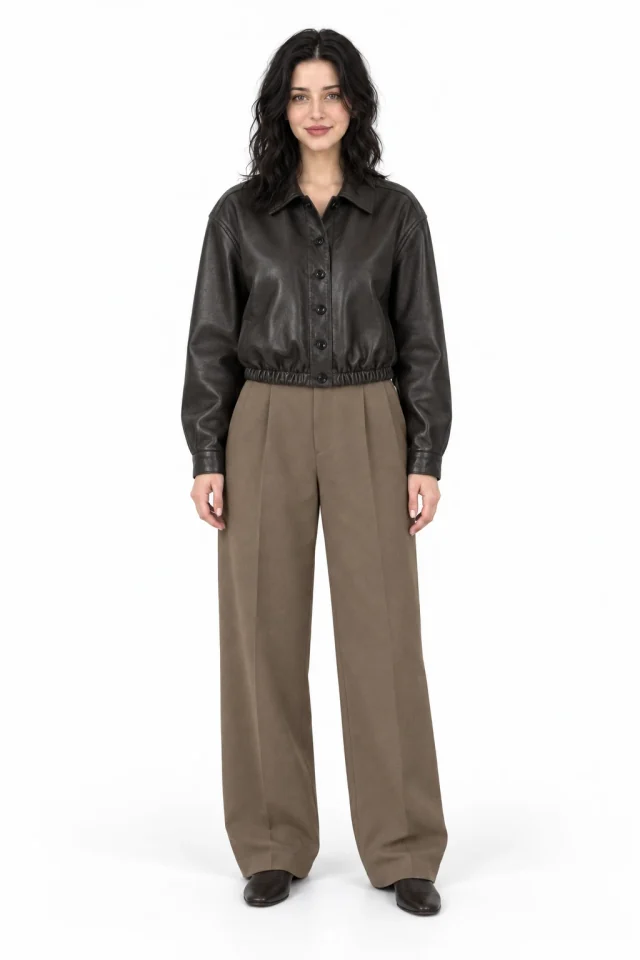
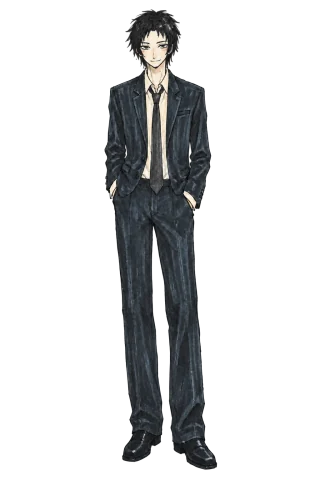
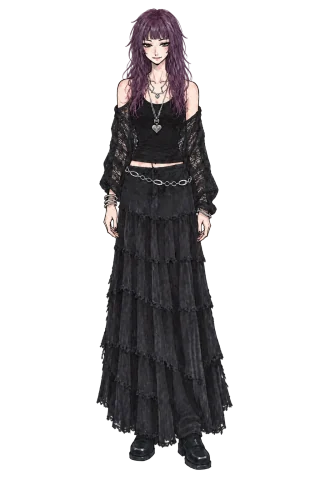
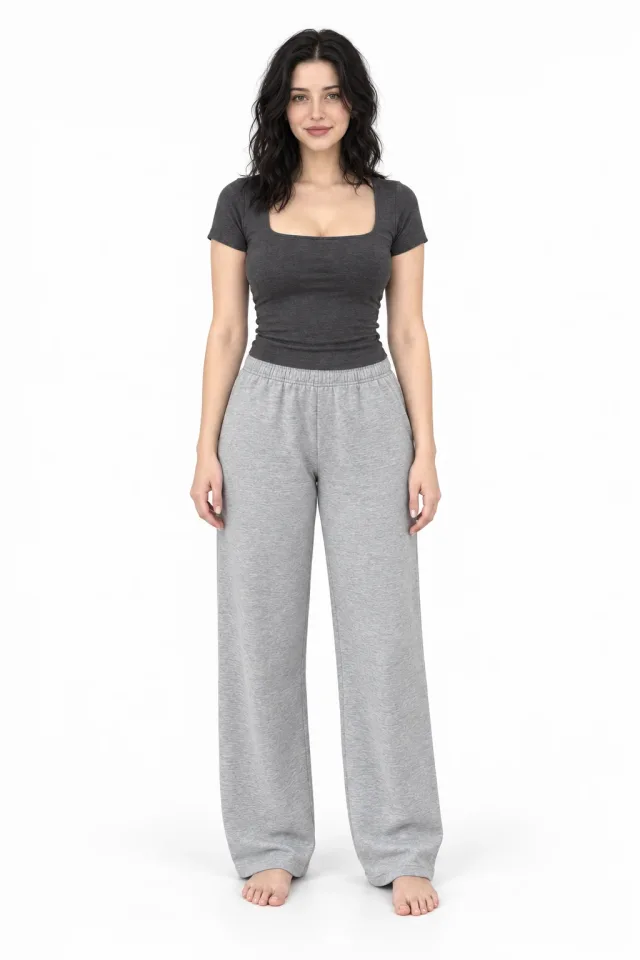 BeforeAfter
Start with your photo, then add your clothes.
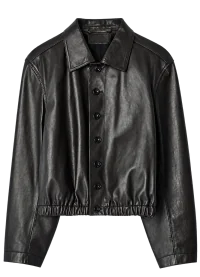 Top
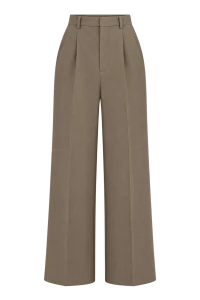 Bottom
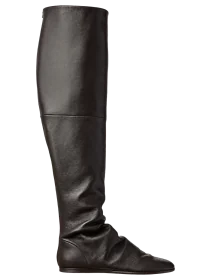 Shoes
Sign in when you are ready to start your own try-on.
01 / How it works
Sign in with Google or Yandex and open your studio. Choose a clear photo; a full-length picture works better for a complete outfit.
Upload separate clothing photos. Use something from your wardrobe or a product photo of an item you would like to try.
Start an AI try-on, review the result and try another combination. You can discuss the finished look with an AI stylist.
A virtual fitting room helps you preview an idea on your own photo.
Combine tops, bottoms and shoes. Change individual items to explore silhouettes and colours.
Use available accessory slots to add a bag, glasses, headwear or another wearable item.
Return to completed try-ons in your account and choose the combination that feels right for you.
02 / AI stylists
Show an AI stylist a photo and talk through colours, proportions or an outfit for a specific occasion. Start with pieces you already own.
03 / FAQ
FITCHECK creates a new version of your photo with selected clothes. Add a person photo and separate item photos, and AI builds a visual outfit. It helps explore combinations; it does not measure how clothing physically fits.
No. The example, descriptions and guides are available without an account. Sign in with Google or Yandex when you start your own try-on or open a stylist chat. Your first sign-in creates an account automatically.
Choose a sharp photo with even lighting. Show the relevant area: legs and feet for shoes, or your full body for a complete outfit. Upload clothing in separate photos rather than a collage.
The current COINS cost, your balance and subscription terms are shown in the studio and shop after sign-in. You can check the price and your account access before starting a try-on.
AI try-on is an approximate visual preview. It cannot guarantee size, physical fit, colour accuracy or item details. Before buying, compare your measurements with the seller’s size chart.
Open your fitting room and try the combination you have been thinking about.