Colour and overall balance
Ask which colours to repeat, where an accent feels unnecessary or how to connect your top and shoes. Neutral lighting makes colours easier to assess.
AI STYLISTS
Show your outfit, explain the occasion and talk through specific details you could improve.
Start a try-onSign in with Google or Yandex. Your first sign-in creates an account.
How it works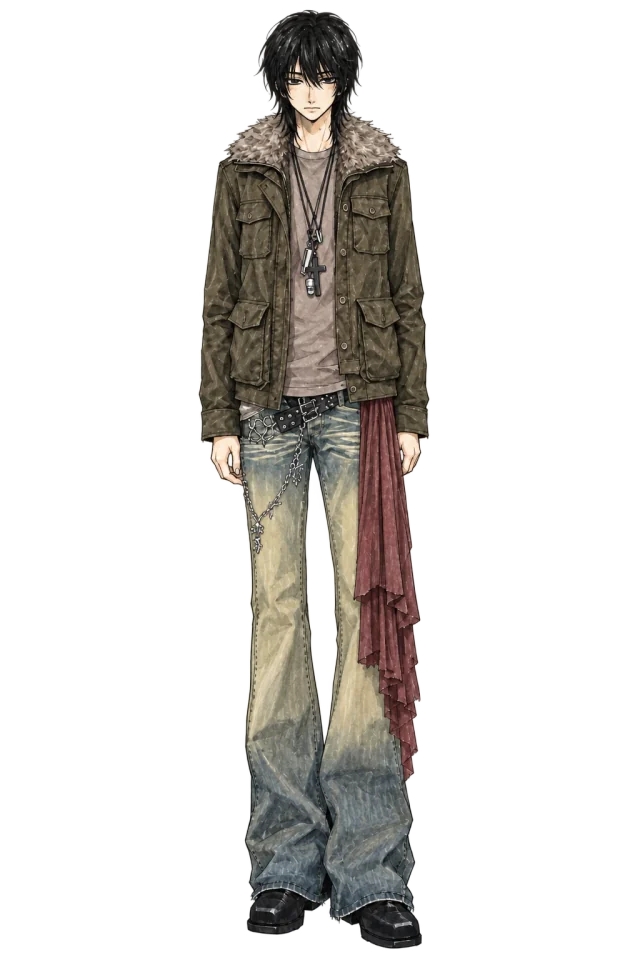 Ray
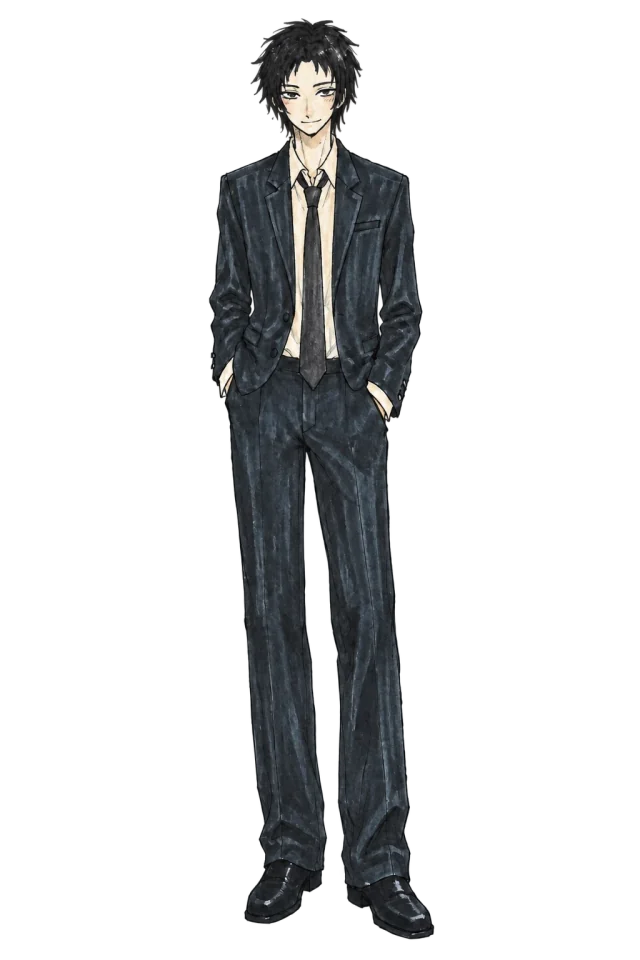 Nick
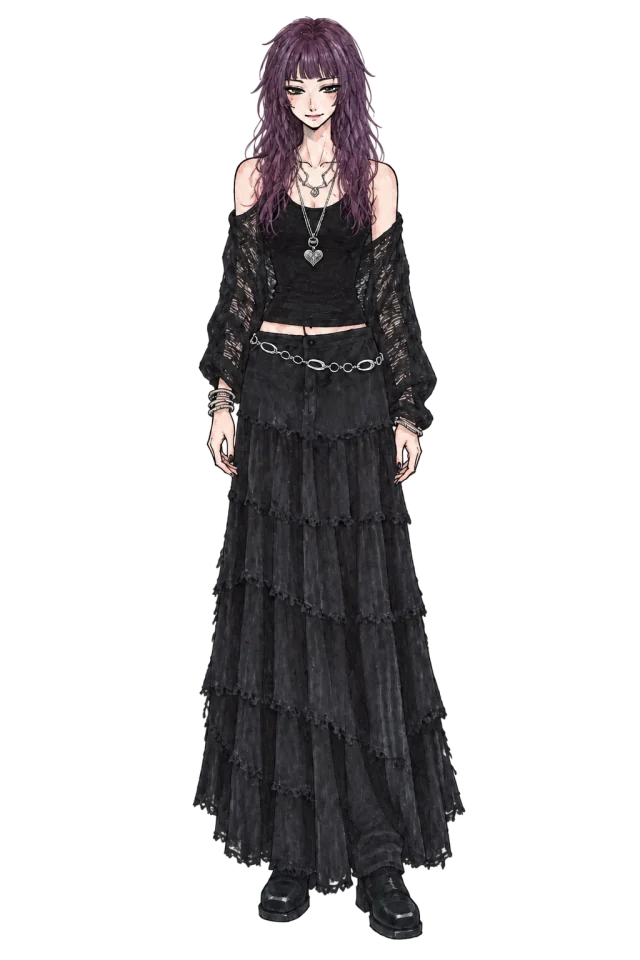 Luna
A FITCHECK AI stylist is a chat for discussing clothes. Attach a photo and ask about colour combinations, proportions, layering or details. If you are dressing for an occasion, explain where you are going and what matters to you.
You can send a completed virtual try-on directly from the fitting room. Choose a stylist and the photo plus a review request go to their chat. Stylists are virtual characters with different focuses; responses are generated by AI, not a human consultant.
STEP BY STEP
Start with Nick for everyday combinations. Other characters are available according to your active account package.
Attach your outfit and say what you want to understand: whether shoes work with trousers, for example, or how to make a look less formal.
Discuss one item or ask for a variation using pieces you already own. A specific question helps the AI give a specific answer.
Ask which colours to repeat, where an accent feels unnecessary or how to connect your top and shoes. Neutral lighting makes colours easier to assess.
Discuss visible lengths, volume and layers, and what to change in the combination. This is visual feedback on a photo, not a precise measurement or size check.
Save preferred styles in your profile and add the occasion and constraints to your message. For example: a comfortable walk, no new purchases, using the pieces shown.
Yes. Basic stylist Nick accepts photos without a separate COINS charge. Messages are subject to your account limits; the remaining allowance is shown in the chat.
No. You can attach your own photo directly in Nick’s chat. Virtual try-on is only needed if you want to preview another outfit first.
Yes, if those stylists are available to your account. Return to the try-on result and choose another stylist to send the same look for a new review.
Their focuses include everyday basics, classic dressing, vintage, dark romance, proportions and colour experiments. They are differently configured AI characters, not separate human specialists.
No. You can discuss visible fit and silhouette, but a photo cannot reliably establish a physical size. Compare real measurements with the brand’s size chart.
Preview how pieces work together on your own photo before deciding what to wear.
Learn moreChoose your angle and show the right area of your body for a clearer try-on.
Learn moreAdd a hat, glasses, bag or another wearable item to a look on your own photo.
Learn moreAdd your photo, upload your items and build a look in the fitting room.