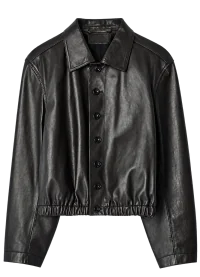
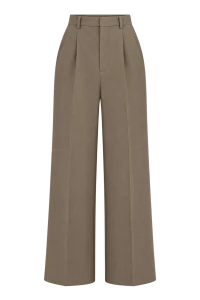
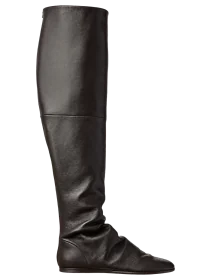
In your phone or desktop browser
The web version needs no app installation. Open FITCHECK in your browser; the interface adapts to phones, tablets and computers.
YOUR FITTING ROOM, WHEREVER YOU ARE
Upload your photo and your pieces. See a new look on yourself, compare combinations and find your style with an AI stylist.
Start a try-onSign in with Google or Yandex. Your first sign-in creates an account.
How it works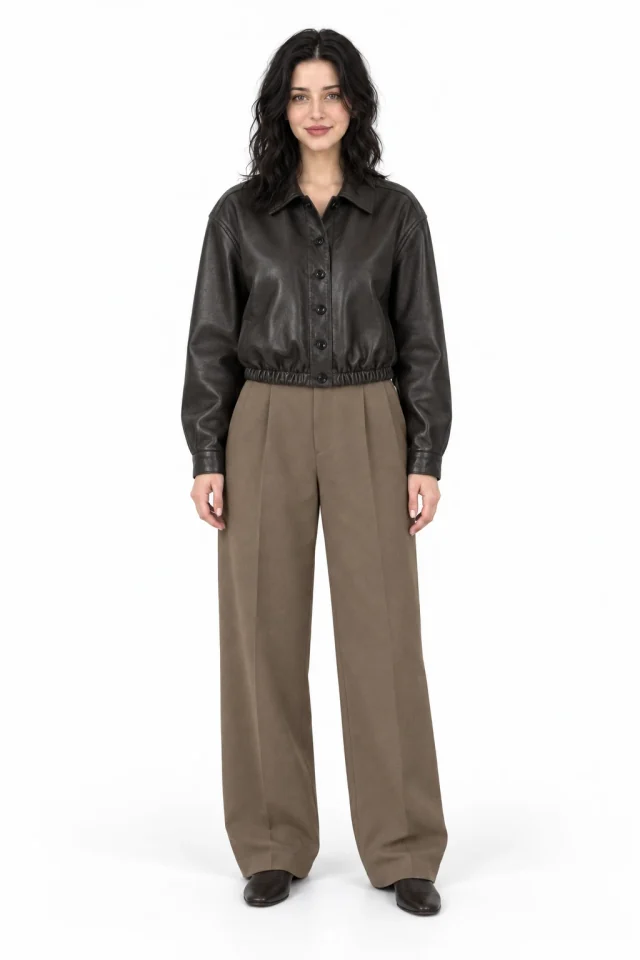
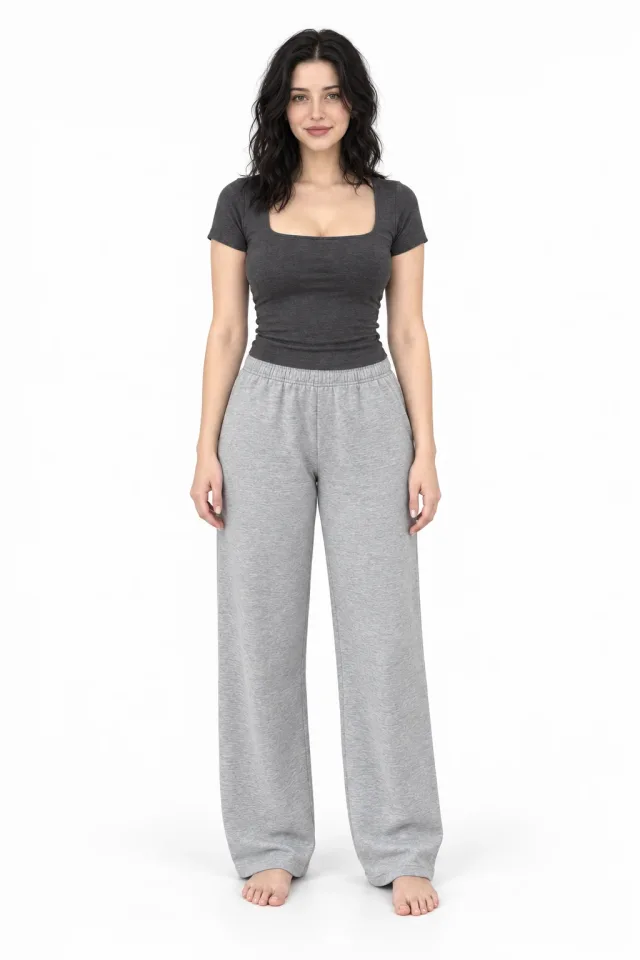
FITCHECK is an online fitting room powered by AI. Upload a photo of yourself and separate photos of clothing: the service creates an image with your selected pieces. Use it to explore colours, lengths and the overall feel of an outfit.
For a second opinion, send a completed try-on to an AI stylist or discuss a photo of an outfit you already own. Start with your existing wardrobe, try a different combination and ask which details could improve the look.
Preview how pieces work together on your own photo before deciding what to wear.
Learn moreTalk through colours, silhouettes and outfit details with AI, including feedback on a photo.
Learn moreChoose your angle and show the right area of your body for a clearer try-on.
Learn moreAdd a hat, glasses, bag or another wearable item to a look on your own photo.
Learn moreSTEP BY STEP
Use Google or Yandex. Your photos, results and settings are saved to your account.
Show the area you want to dress and upload at least one item. Optionally add its label size, width or length.
View the finished photo, try another item or send the look to your chosen AI stylist for feedback.
The web version needs no app installation. Open FITCHECK in your browser; the interface adapts to phones, tablets and computers.
Additional fit settings do not require a subscription. Add label sizes, measurements and fit preferences to guide the AI; these are context, not an exact size calculation.
History and settings belong to your account. When changing country or VPN, use the same sign-in method: Google and Yandex may create separate profiles.
FITCHECK is the service at fitchecly.com for virtual clothing try-on from your photos and outfit discussions with AI stylists. It works in your browser: upload a person photo and item photos, or send an outfit photo to a stylist chat. Try-on images and advice are generated by AI.
Yes. Sign in with Google or Yandex and FITCHECK creates an account on your first sign-in. You can read these guides without signing in.
Yes, if the relevant area of your body is clearly visible. A full-length photo is better for a complete outfit. A selfie cannot show a useful shoe try-on when your feet are outside the frame.
Access depends on your account package. The basic stylist Nick supports photos; extra stylists, accessory access and usage limits are described in the app. Additional fit settings do not require a subscription.
History is stored in your account. Use the same sign-in method and profile. Changing country or VPN should not create a different history by itself.
Add your photo, upload your items and build a look in the fitting room.